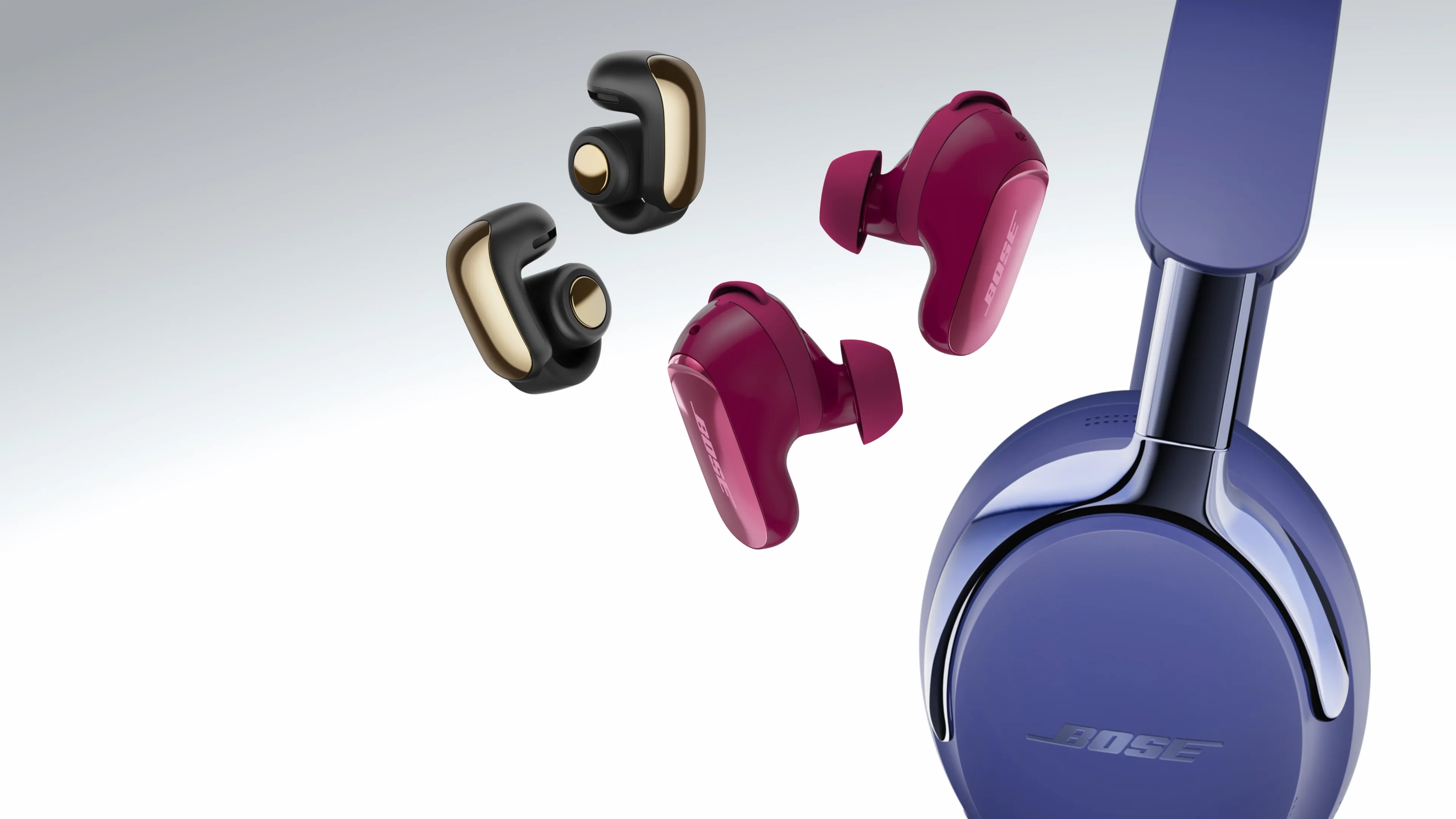
ゴールデンウィークセール開催中!
最高のサウンドでゴールデンウィークをスタート。欲しかった製品をお得な価格でゲットして、どこででもプレイリストを楽しめます。
注目の製品


母の日ギフトガイド
音楽で、すべてが伝わる
お母さんが喜ぶ、とっておきのサウンド。
魅力あふれる多彩なサウンド
完璧なポータブルスピーカーがあれば、どこででも盛り上がること間違いなし。
この音が、わたしを連れ出す
心を動かされるあらゆる瞬間を、快適なイヤホンで自分らしく楽しもう。
ボーズオートモーティブ
さらに広がるサウンドのパワー
ボーズ直販をおすすめする理由
-
90日間返品保証
90日間製品をお試しください。
-
最高のカスタマーサービス
すべてのボーズ製品を対象に、無料のテクニカルサポートをご利用いただけます。旧モデルや販売終了製品も対象です。
-
無料配送
日本国内への配送は、すべて無料です。返品時の送料もボーズが負担します。
-
My Boseメンバー特典
My Boseメンバーの皆様には、ウェルカム特典やお誕生日特典、限定体験などをお届けします。
2006年4月1日以前に製造された一部のAcoustimass、Lifestyle、Companion System Bass Modulesのリコールに関する重要なお知らせ。